Posted in Awesome Apps, Best Books, traditional topics, non-traditional teaching, writing

On Creating a Creepy “Voice”

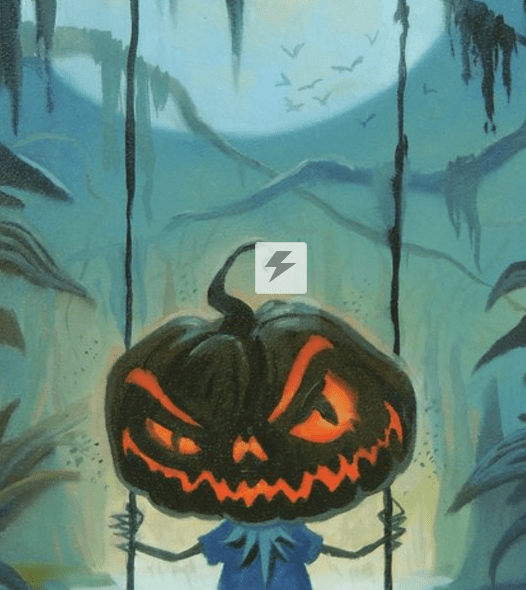
This Halloween week was about scary stories: both reading them and writing them. We (4-6th graders) used Storybird (www.storybird.com) and searched “creepy” artwork, then started writing! Here’s a quick synopsis via “book trailer” of “The Graveyard Book” narrated by Author Neil Gaiman (also author of “Coraline”):

https://youtu.be/P_UUVwTaemk

Also, here’s a link to an excerpt I read from the first chapter of “The Graveyard Book.” http://www.nytimes.com/2009/02/15/books/chapters/chapter-graveyard-book.html?_r=0I

I read it with a flashlight under my face and played creepy music. Then we wrote!!

Here’s our targets by the end of the next two weeks which I have slated for the young Stephen Kings to complete their projects:

I can use a variety of technology tools to organize and present data and information.

I cancreate an original response to a writing prompt and establish a tone appropriate to the task.
Check out the book (the real physical copy; all the Mead elementary schools should have it! And read it with a flashlight under your chin!
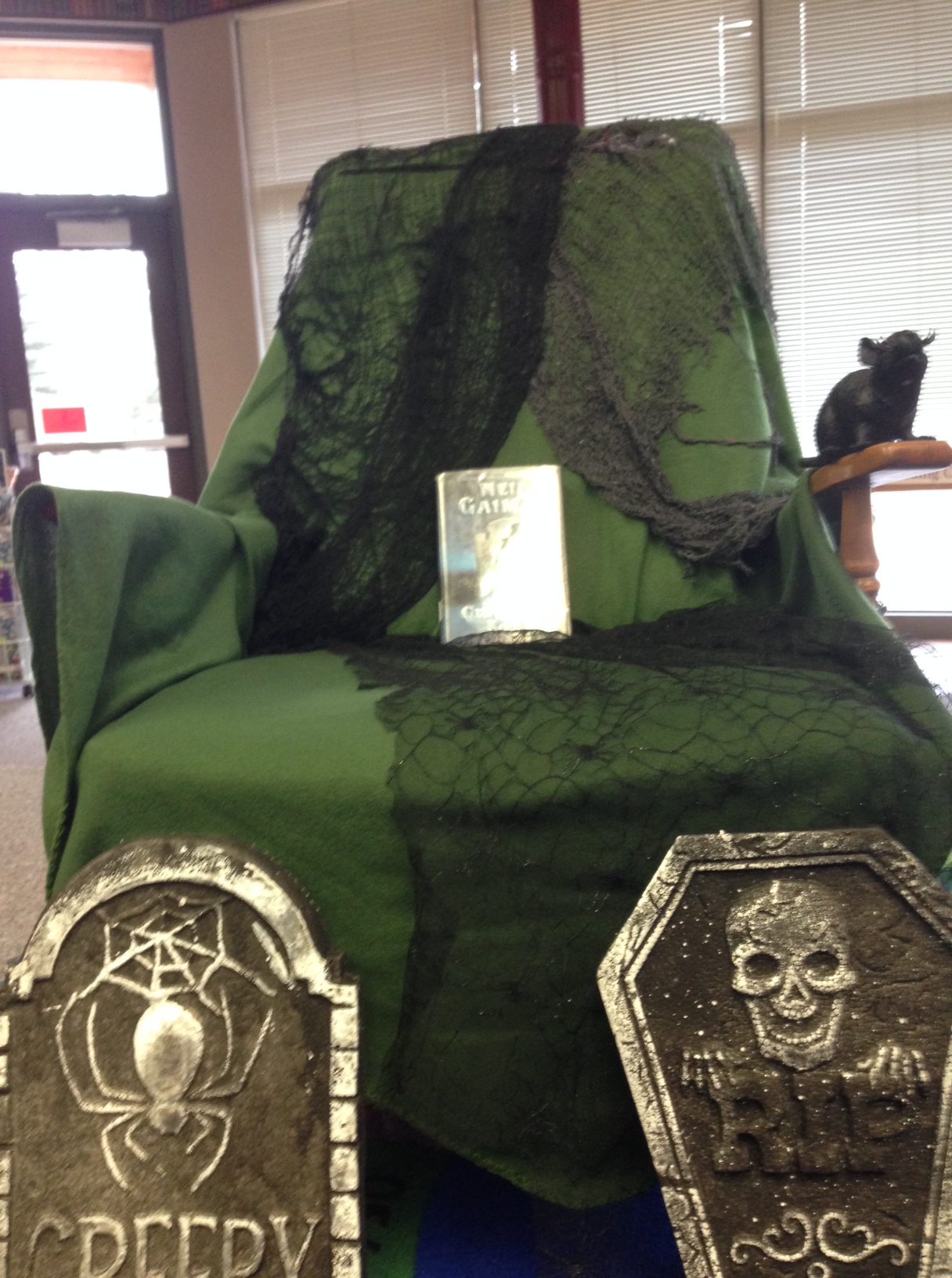
photo 3photo 2(P.S. Grade 3 classes did a screen-time study after a reading of Goodnight Ipad and first and second graders worked on National Geographic Online–the Halloween games section 🙂
Posted in Digital Citizenship, Netiquette, Uncategorized

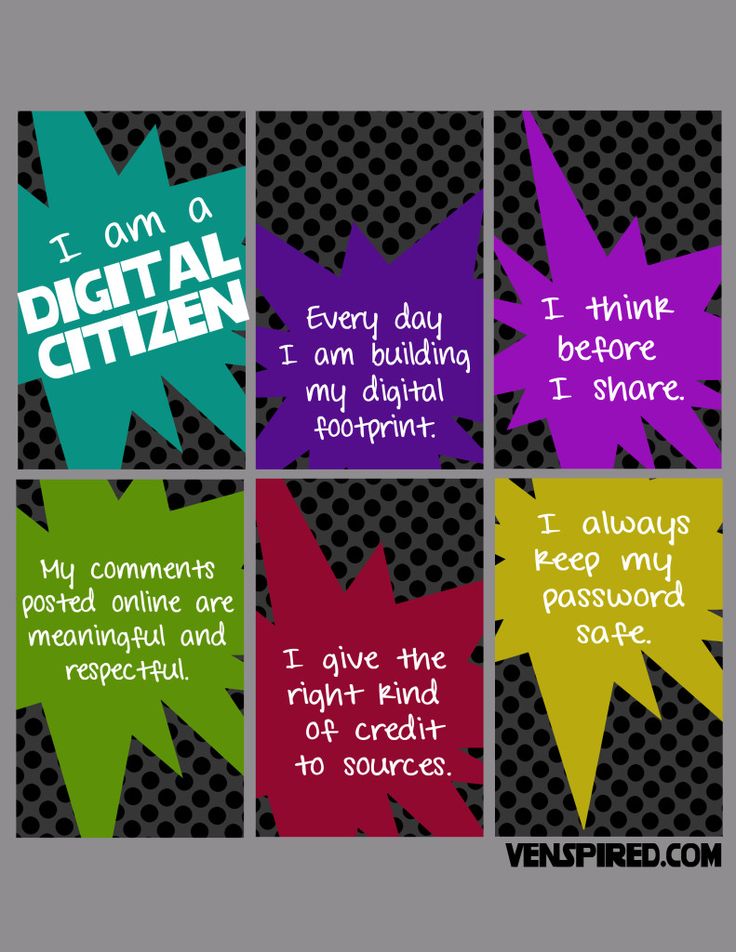
Digital Citizenship: if you wouldn’t say/do it in person, don’t say/do it online either!

Next week is Digital Citizenship Week, and we’ll be learning the foundations of manners on the internet, as well as thinking carefully before posting, how to keep yourself from making a career-limiting move 15 years before you will be trying to make a career, and protecting yourself from being cyber-bullied or victimized by people with no netiquette!

Digital citizenship can be defined as the norms of appropriate, responsible behavior with regard to technology use. And just as librarians lead our students on the shortest, richest path of wisdom through books, naturally we also impart our best practices for efficient information gathering online! It’s a big task, and I, for one, am grateful to be imparted with the privilege of leading children through such an exciting and innovative journey!

Posted in Uncategorized

Storybird

Loved using “Storybird” today at Colbert Elementary. To get Storybird from any computer, ipad, kindle, Nook, etc (it doesn’t work that well on a hand-held device) you may either go directly to http://www.storybird.com, but I recommend you go to Colbert or Midway (or which ever Mead elementary school you attend) library website > databases > Informational Tech tools > Presentation tools > Storybird. Create an account by using your school-issued username and then use that same username and add @mead354.org (or any other email address you would like ) and your school-issued password.

Click “CREATE: and go wherever the art leads you. The “create poem” allows you to drag and drop phrases into poems,

and the picture book pages allow you to write stories that match with which ever painting strikes you.

Screen Shot 2015-10-14 at 3.35.23 PM

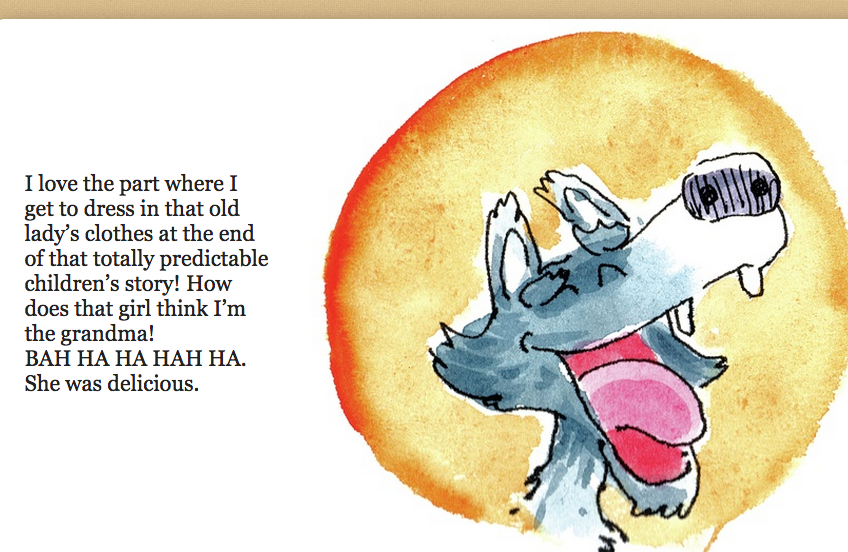
Here’s what I threw together, then decided I would make a book  of out takes from famous fairy tales. Will I finish? Probably not! Creativity is an in-the-moment thing, right?!

I always recommend that beginning, aspiring, not-quite-inspired-yet- or blocked writers start with the ridiculous, just as I did.

Posted in Awesome Apps

Awesome game=maximizing efficiency! (Really!)

Because I didn’t want the first graders to tell their classroom teachers ” we played video games in the library” I was coaching six and seven-year-olds to say “We learned strategies to maximize our efficiency with the Chromebooks mousepads.. Repeat after me: ‘Maximizing speed and efficiency.'” They tried but I know that it was solid for them. Dangit, I should have added “becoming 21st century learners.” That would have been GOOD

1st and 2nd grade: http://www.minimouse.us

But truly, this website is the BEST. it specifically builds finger mousepad skills and is super fun and challenging. When a first grade girl and I figured out how to clear the level of this click and move shape game she I both got super excited. I had to remind the the children to celebrate their accomplishments as quietly as  possible, “Because this IS a LIBRARY.”(Seriously I say that once a class.)

I heard her say (at a totally appropriate voice level: “Ugh, why is this is THRILLING?”

The other favorite moment in the past two weeks was a second grade student spent a few minutes on my go-to research and exploring website, Culturegrams.culturegrams_byo11“Did you know that there are 250 lakes inside of Glacier Park, and that there is a lizard in Texas that can shoot blood out of its eyes?!” I was as happy as when my own children said “I love you” the first time. OMG I love this job. And seriously, it’s the Horned Toad (which is indeed native to Texas.)
This is fun to do at home for animal lovers: 2nd grade being the ideal age level, I think. http://kids.sandiegozoo.org/

Next week at Midway we’ll be reading “The Invisible Boy and talking about KINDNESS leading up to the Kindness Assembly on Friday at Midway.

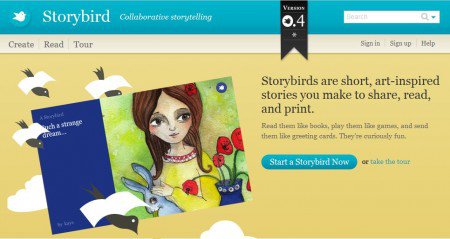
At Colbert we’ll be building more efficiency and mastery writing electronic poetry and stories on Storybird.

http://www.storybird.com

storybird-1ojgzqr-e1315198983420

Posted in Uncategorized

Maker Spaces

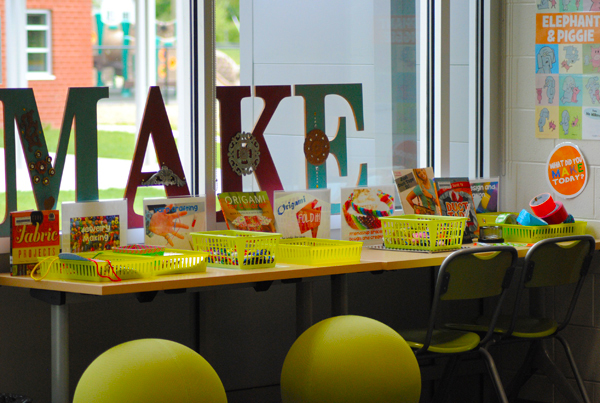
MAKER SPACES are the next generation of library. There are already some of these set up at the Spokane Public Library, and I could be talked into creating these spaces here. Perhaps the 3-D printer is something we could work up to…

See this video for a quick introduction about their purpose and possibility. Expect more in 2016-2017!

SOOO Cool, right?!maker-space-master

Posted in Uncategorized

Learning Curve

It’s true, my darling students at both Midway and Colbert Elementary schools in Mead have had to roll with the learning curve that is inherent in technology. Or, okay, me and technology? As I work with my fellow library media technology teachers to streamline our Ipads, Chromebooks and iMacs to a unified Google platform, there are frozen pages, slow servers, and more than a tiny amount of “winging it” when technology fails to do what is expected to do!

So thank you to all the students for their patience, and for being willing to enjoy my witty banter as I work to fill their minds with new strategies for using technology safely, as well as my enthusiastic selling of current and classic stories I believe will best enhance a meaningful relationship with reading. Thank you to those families who dropped by the Open House at Midway to hear about all the resources available on the district library website. I am attaching a link to an article that explains well the role of libraries and librarians in the emerging digital realm of classroom learning. (click below)

Mediamorphosis